Generating USPTO Forms (RCE, IDS, TD)
Auto-generate USPTO forms pre-filled with your case data. Supports RCE filings, Information Disclosure Statements, Terminal Disclaimers, and more.
Navigate to Forms
Click "Forms" in the left sidebar. The Forms page has two tabs: "Drafts" (your in-progress forms) and "Approvals" (forms pending review by a supervisor).
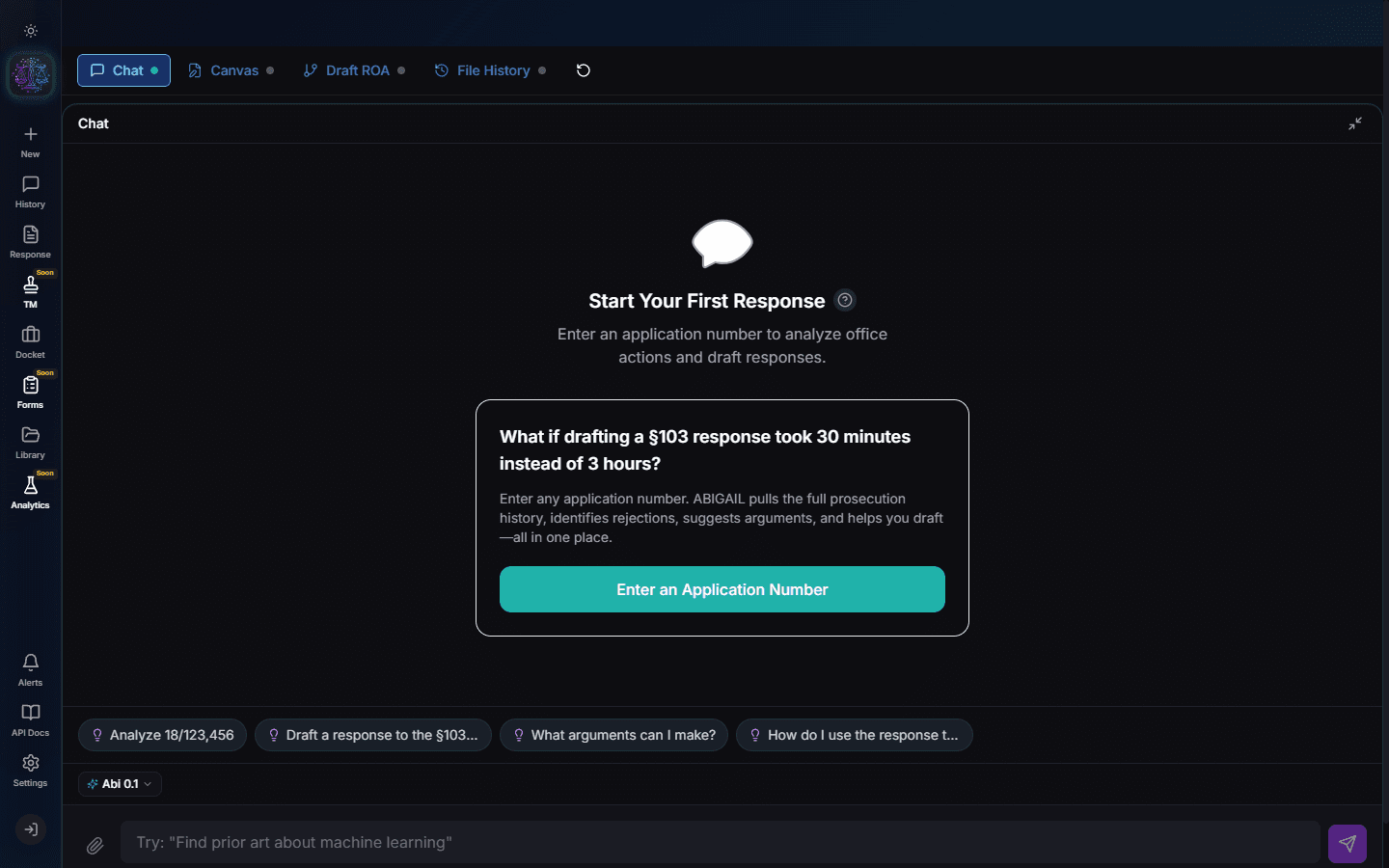
Create a New Form
Click "New Form" and select the form type: PTO/SB/06 (Request for Continued Examination), PTO/SB/08 (Information Disclosure Statement), Terminal Disclaimer, or other supported types.
Select the Application
Choose the application from your docket. Abigail auto-fills all known fields: application number, filing date, examiner name, art unit, inventors, and more. This eliminates manual data entry.
Pro Tip
For IDS forms, Abigail auto-populates the reference list from the cited art in your analysis.
Review and Edit
Review the auto-filled form. All fields are editable. For IDS forms, you can add or remove references. For RCE forms, verify the fee calculation is correct for your entity size (micro, small, or large).
Submit for Approval (Optional)
If your organization uses the approval workflow, click "Submit for Review". The form moves to the Approvals tab where a designated reviewer can approve or return it with comments.
Generate and Download
Click "Generate" to produce the final PDF. The form is formatted to USPTO specifications and ready for filing. Download it directly or send it to your document management system.
Note
Form generation costs $25 per form. IDS forms cost $9 due to the additional reference compilation.
Try It Yourself
Put what you learned into practice. Start free with $25 in credits.