Your First Office Action Analysis
Go from zero to your first AI-powered Office Action analysis in under 10 minutes. Sign up, enter an application number, and watch Abigail break down the rejection with 10 specialized AI experts.
Create Your Free Account
Navigate to abigail.app and click "Start Free". Sign up with your email or Google account. No credit card required -- you receive $25 in free credits immediately.
Note
Your free credits never expire. Use them whenever you are ready.
Land on the Dashboard
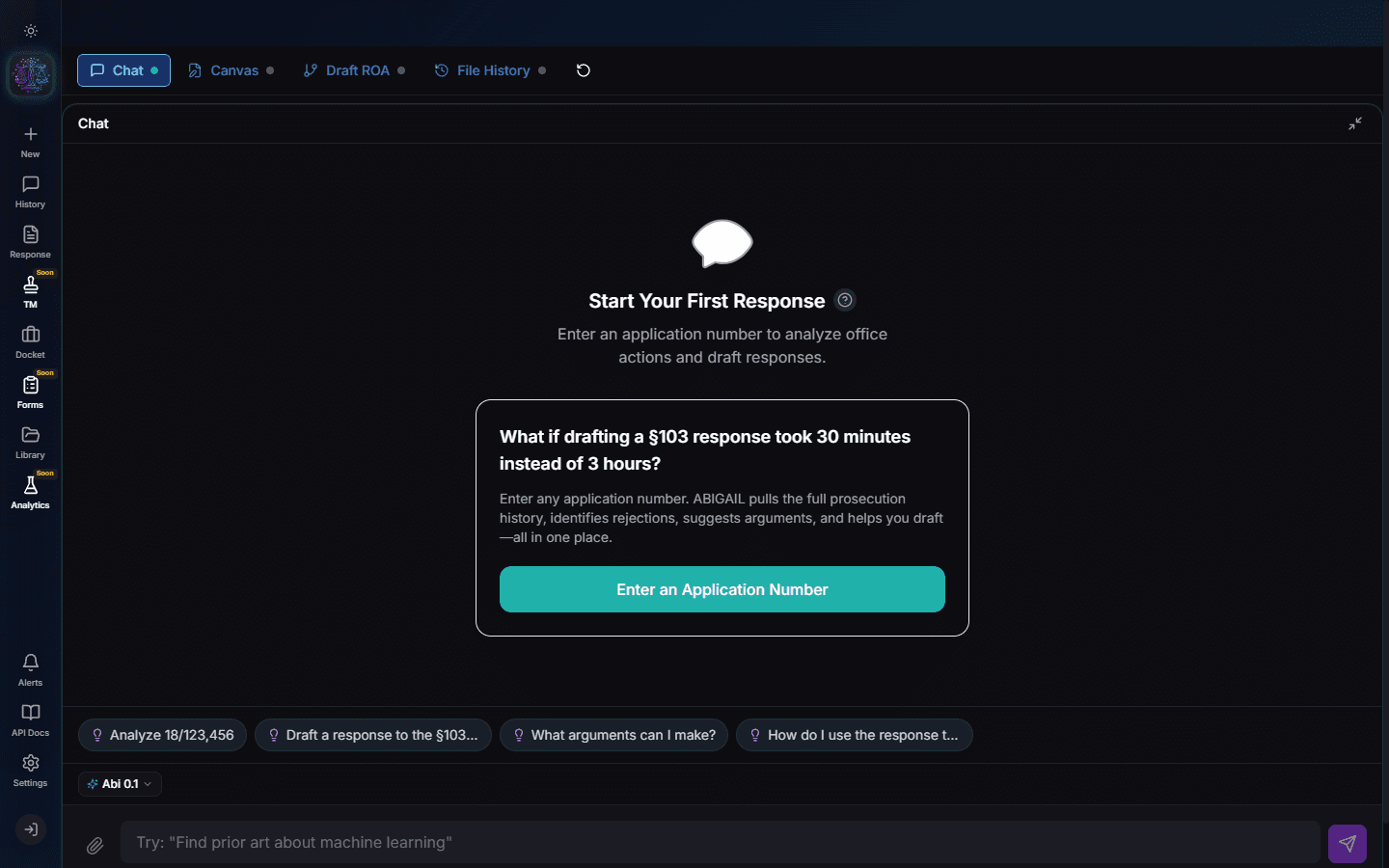
After sign-up you are taken to the main dashboard. This is your workspace with three panels: Chat (left), Canvas (center), and Claims Visualizer (right). On mobile, these become swipeable tabs.
Start a New Response Session
Click the "+" button in the sidebar or the "New Response" starter message. Select "Office Action Response" as the session type. This tells Abigail to activate the full 10-expert analysis pipeline.
Pro Tip
You can also paste an application number directly into the chat input to start immediately.
Enter Your Application Number
Type or paste your USPTO application number (e.g., 18/001,002) in the chat. Abigail fetches the complete prosecution history from USPTO, identifies the latest Office Action, and begins analysis.
- Abigail downloads all prosecution documents from USPTO PAIR
- Parses the Office Action to extract every rejection and objection
- Identifies all cited prior art references
- Extracts and decomposes every claim into elements
Review the AI Analysis
Within 2-3 minutes, Abigail populates the Claims Visualizer with a complete breakdown. The Claim Tree shows your claim hierarchy. The Prior Art Matrix maps each claim element to cited references. The Rejection Resolver provides argument strategies.
Note
The Glass Box transparency panel shows exactly which AI expert analyzed each rejection and what evidence it used.
Chat for Deeper Analysis
Ask follow-up questions in the chat panel. For example: "What is the strongest argument against the 103 rejection of claim 1?" or "Draft an amendment to overcome the anticipation rejection." Abigail responds with specific, citation-backed analysis.
Export Your Response
When you are satisfied with the analysis, click "Download" in the Canvas panel. Your response exports as a formatted DOCX document ready for USPTO filing, complete with proper headers, claim amendments, and argument structure.
Pro Tip
The download costs credits based on document type: $99 for a full Office Action Response, $9 for an IDS, $25 for forms.
Try It Yourself
Put what you learned into practice. Start free with $25 in credits.