Drafting Your Response in Canvas
The Canvas panel is your rich text editor for composing Office Action responses. Learn to format amendments, insert AI-suggested arguments, and export a filing-ready DOCX.
The Canvas Panel
The Canvas is the center panel of the dashboard. It uses a TipTap rich text editor that supports patent-specific formatting: claim amendments, bracket notation, and structured argument sections.
Auto-Populated Draft
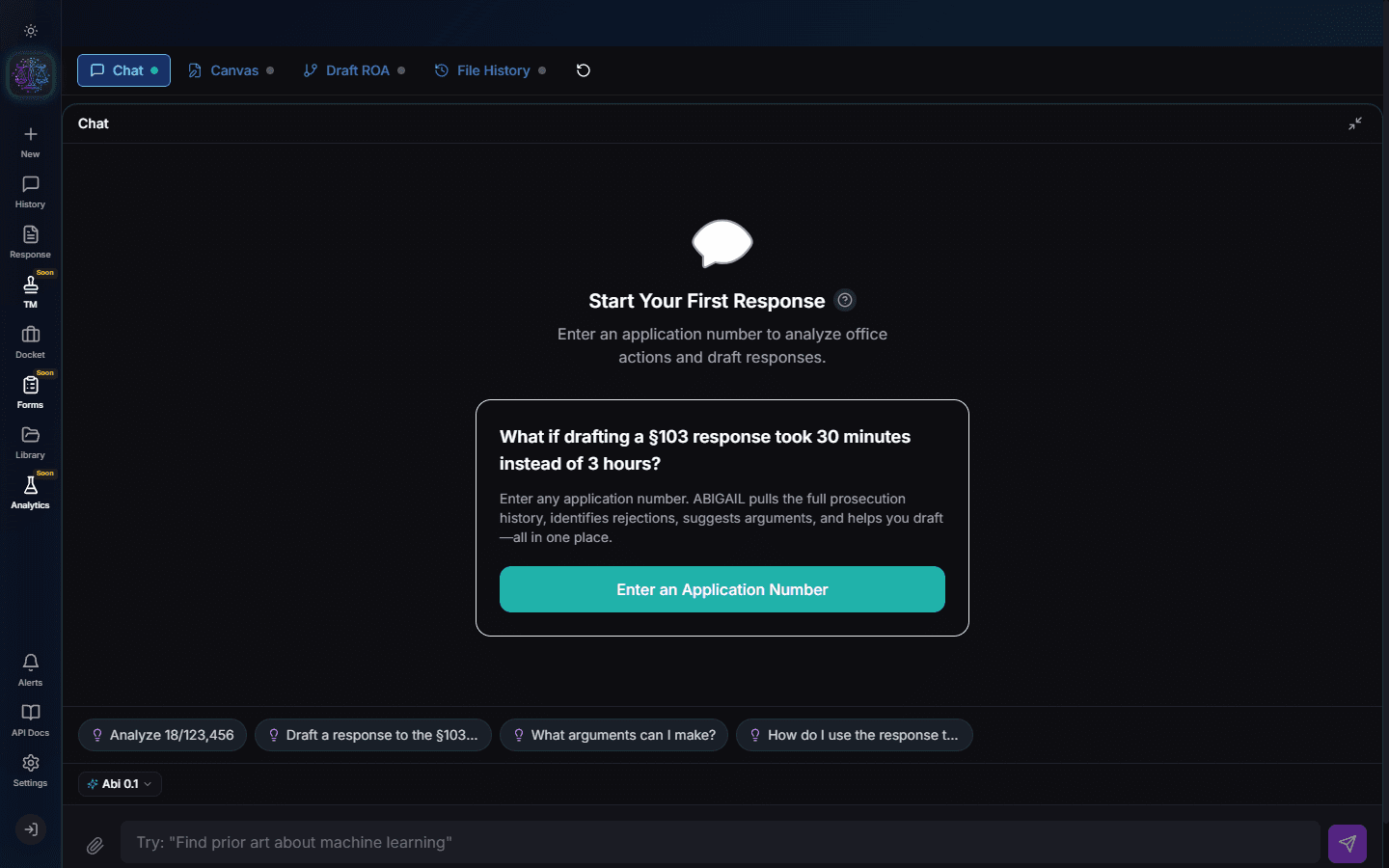
After analysis, Abigail populates the Canvas with a structured draft response including: header information, claim status listing, arguments for each rejection, and proposed amendments. This is your starting point.
Editing the Draft
Click anywhere in the Canvas to edit. The editor supports standard formatting (bold, italic, headings, lists) plus patent-specific features like claim amendment markup and statutory citations.
Note
Use Ctrl+Z to undo changes. The Canvas maintains a full edit history within the session.
Insert from Rejection Resolver
In the Rejection Resolver (Step 3), click "Apply to Canvas" on any argument or amendment. It inserts at the appropriate location in your draft, properly formatted with claim numbers and statutory references.
Amendment Formatting
Claim amendments follow USPTO format: deleted text appears with strikethrough, inserted text is underlined. The Canvas handles this automatically when you apply amendments from the Rejection Resolver.
Copy and Export
Click "Copy" to copy the full draft to your clipboard for pasting into your own document. Click "Download" to export as a formatted DOCX file ready for USPTO filing. The DOCX includes proper headers, margins, and 37 CFR formatting.
Important
Downloading a response consumes credits. Review your draft thoroughly before exporting.
Try It Yourself
Put what you learned into practice. Start free with $25 in credits.