Examiner Intelligence & Analytics
Leverage data-driven examiner profiles and portfolio analytics to craft smarter prosecution strategies. Know your examiner before you write your response.
Open the Analytics Dashboard
Click "Analytics" in the sidebar. The dashboard shows a portfolio overview with key metrics: total cases, pending deadlines, allowance rate, and average prosecution time.
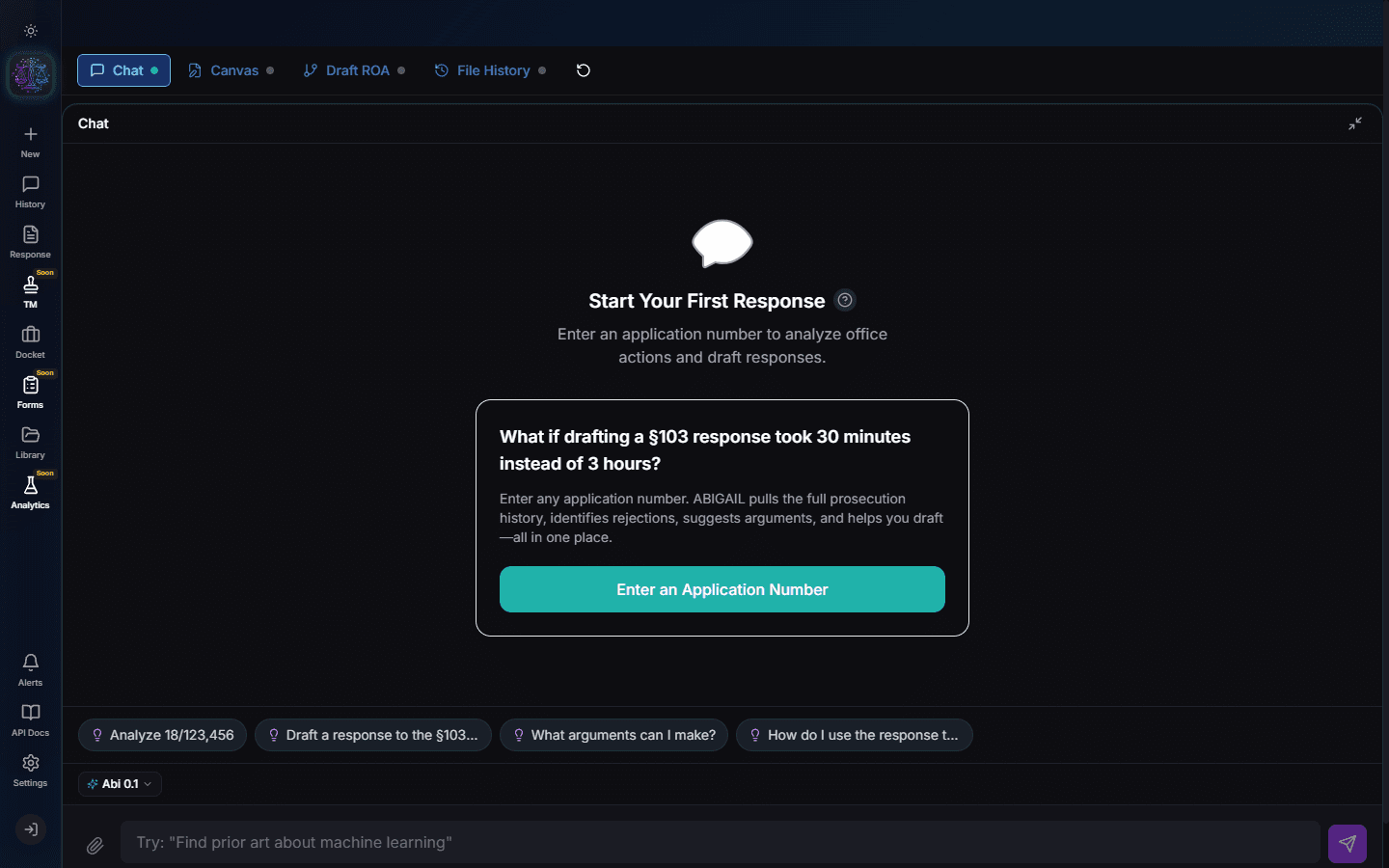
Portfolio Overview
The main analytics view summarizes your portfolio health. Charts show case distribution by status, deadline urgency breakdown, and trend lines for prosecution outcomes over time.
Examiner Profiles
Navigate to Analytics > Examiners to see profiles for each examiner in your portfolio. Each profile includes: allowance rate, average number of Office Actions before allowance, most common rejection types, and response to different argument strategies.
Pro Tip
An examiner with a high 103 rejection rate and low reversal rate on appeal may be more receptive to claim amendments than arguments.
Examiner Detail Page
Click an examiner name to see their full profile. This includes: art unit history, technology specialization, prosecution statistics, and a list of all your cases assigned to this examiner.
Deadline Analytics
Navigate to Analytics > Deadlines for a timeline view of all upcoming deadlines. The calendar shows critical dates with color-coded urgency. Filter by attorney, client, or technology area.
Strategy Insights
The Insights panel provides AI-generated strategic recommendations based on your portfolio data. Examples: "5 cases with Examiner Smith have approaching deadlines -- she has 80% allowance on second OA response." These insights are actionable intelligence.
Try It Yourself
Put what you learned into practice. Start free with $25 in credits.